Research for April 24
Step 1: Setup ExpiredDoman.net
Filter for GoDaddy Closeout domains.
Then apply the filters shown in the images below.
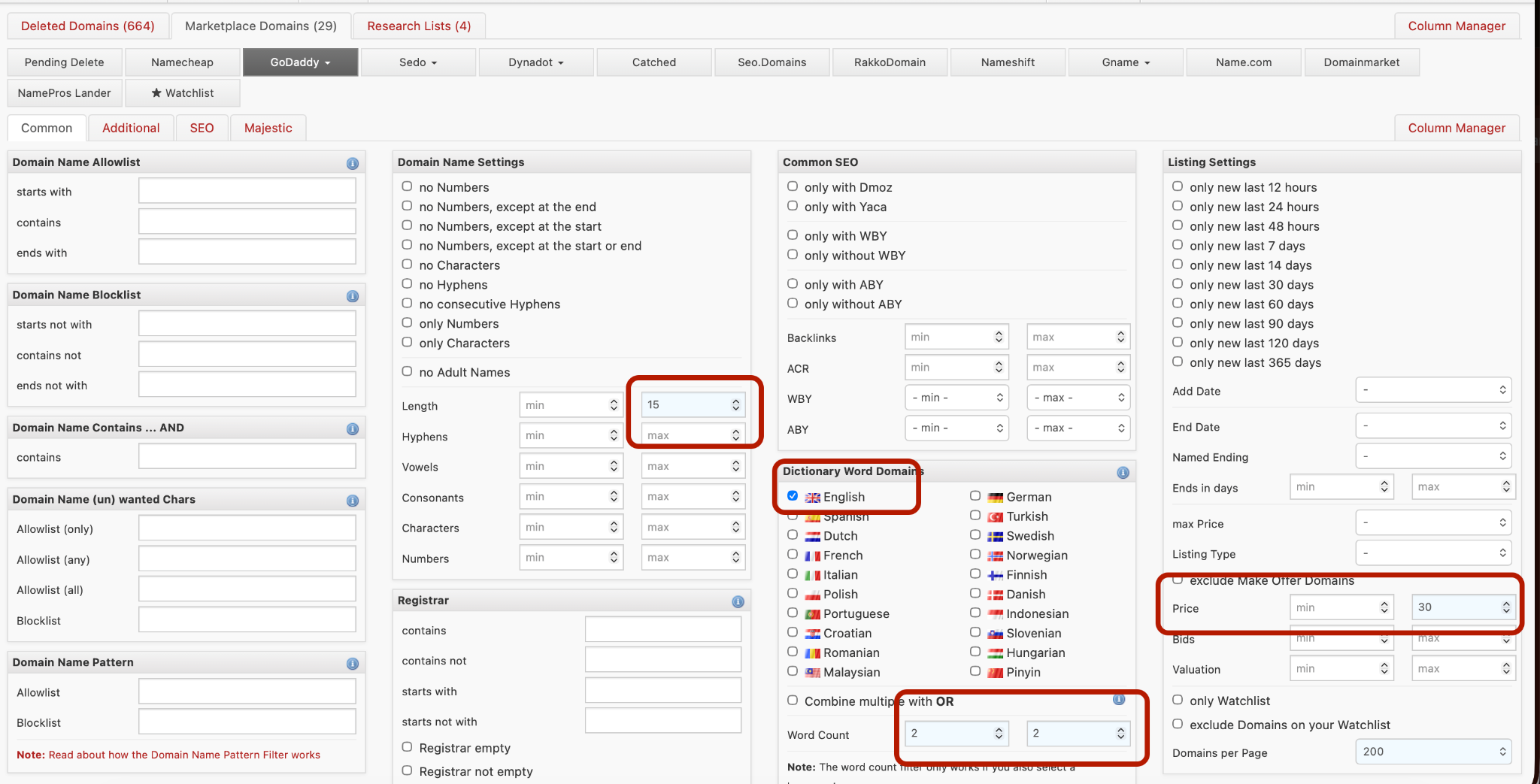
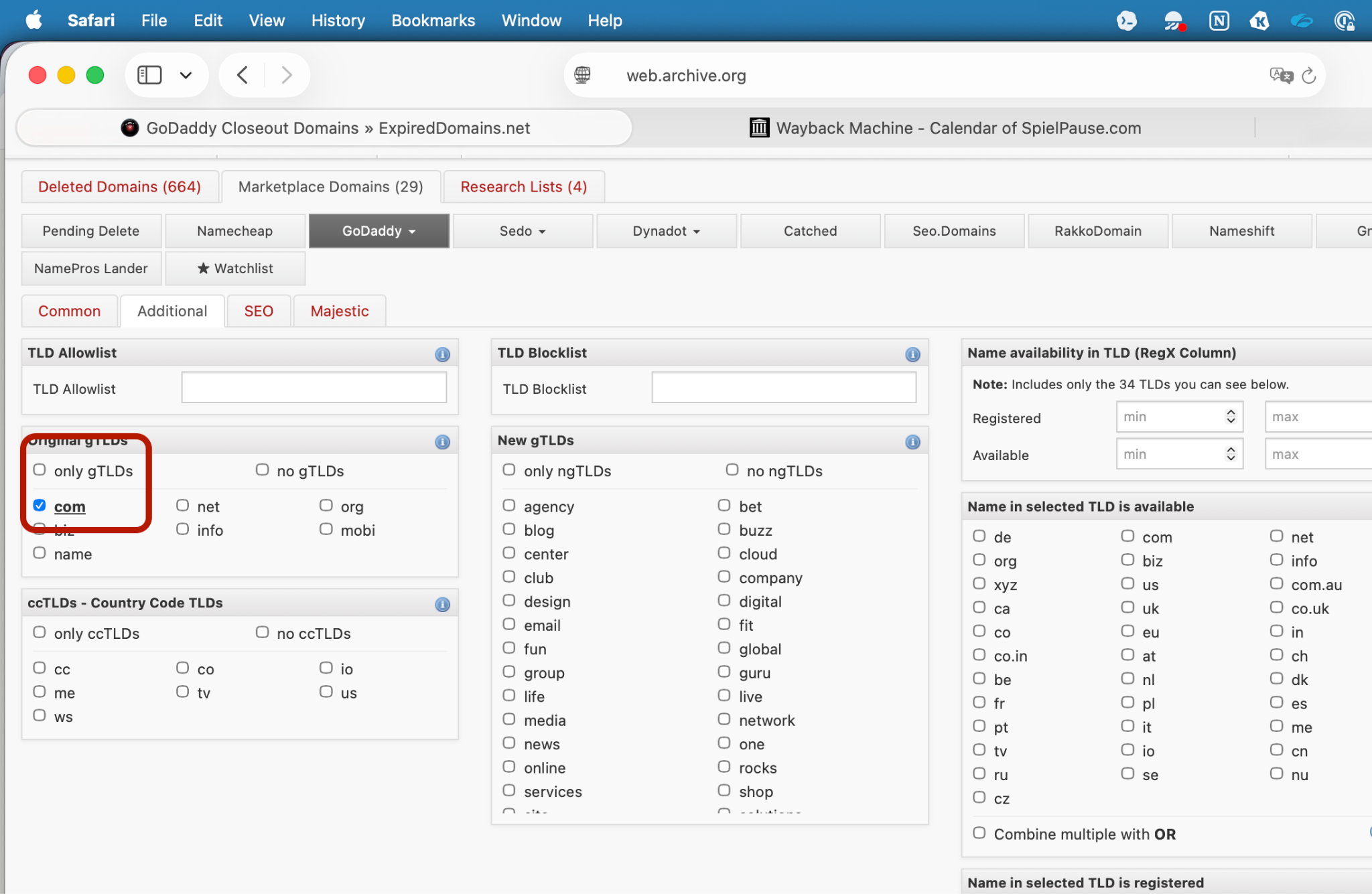
After filtering, 590 domains remained.
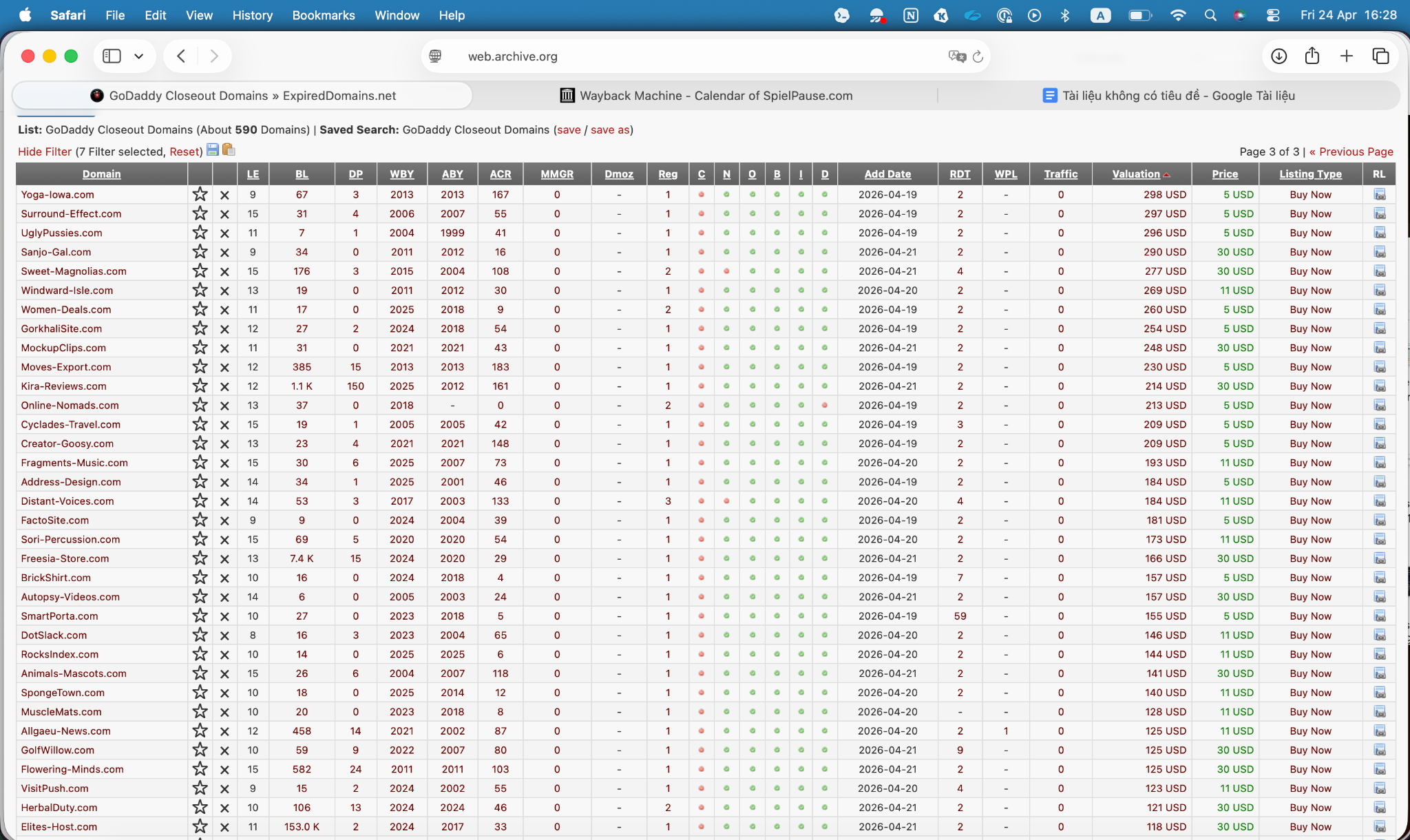
Step 2: Quick visual scan
Scroll through the list and eliminate immediately anything that does not need deeper research:
- Names with mixed numbers (buy4cheap, top10list)
- Names with hyphens (best-deals)
- Names that are clearly spammy or adult-related
- Names that are too generic and have no brand value (cheapstuff, gooddeals)
- Names made up of 3 or more combined words
I added the results to this spreadsheet:
Step 3: Wayback Machine
Keep it if:
- The domain previously had a real website, not just a parked page
- It was previously used for a business, blog, or service
Eliminate it immediately if:
- It never had a real website
- It was previously a spam site or adult site
- It redirected repeatedly to another domain, suggesting backlink manipulation
- Its entire history only shows GoDaddy parking pages
Final result after using Wayback Machine
Link (WayBack check)
Step 4: DotDB Check
(Search each SLD, meaning the root word without the TLD.)
Scoring based on Leanne's feedback:
- 10+ active sites = Strong -> keep
- 5-9 active sites = Good -> keep
- 2-4 active sites = Caution -> skip
- 0-1 active sites = Eliminate -> skip
Also check which of those TLDs have a real built-out website, not just a registered domain.
Final result link